Sora 2 Watermark remover - By HOP
Effortless Way to Remove Watermarks from Sora Videos: Introducing My New Software
Hey everyone! If you're into AI-generated videos, you've probably heard of Sora by OpenAI. It's an amazing tool that creates stunning videos from simple text prompts. But one thing that bugs a lot of users is the watermark that shows up on those videos. It can make your creations look less professional or just get in the way when you want to share them.
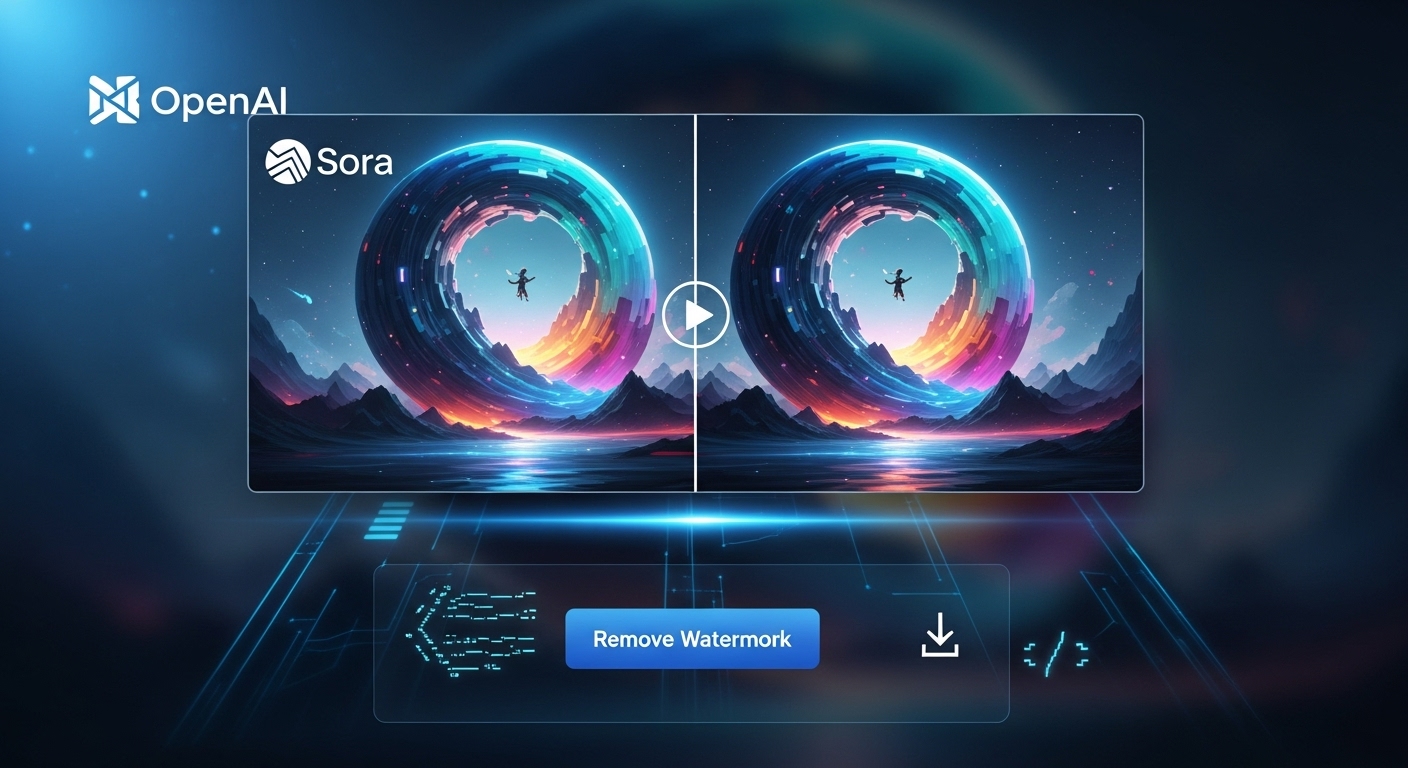
That's why I decided to build my own software to help with that. I call it "Sora Watermark Remover." It's a simple, user-friendly tool designed to strip away those pesky watermarks without any hassle. No tech skills needed. If you can copy and paste a link, you're good to go. In this blog post, I'll tell you all about it, why I made it, how it works, and how you can get started right away.
Why I Created This Software
I love playing around with AI tools like Sora. I've made fun videos for my social media, work projects, and even just for laughs with friends. But every time I generate a video, that OpenAI watermark pops up in the corner. It's there to show it's AI-made, which is fair, but sometimes I want a clean version for personal use or to edit further.
I looked around for easy solutions, but most were complicated, involving coding, expensive software, or risky online tools that might steal your data. So, I thought, why not make something straightforward? After a few weeks of tinkering, Sora Watermark Remover was born. It's free (for now), safe, and does exactly what it says: removes the watermark quickly and cleanly.
Key Features of Sora Watermark Remover
- One-Click Watermark Removal: Just paste the video link, and the software handles the rest. No manual editing required.
- High-Quality Output: The tool uses smart algorithms to detect and erase the watermark without affecting the rest of the video. Colors, resolution, and sound stay perfect.
- Supports All Sora Videos: Whether it's a short clip or a longer one, as long as it's from Sora, it works.
- Fast Processing: On a decent computer, it takes just seconds to a minute, depending on the video length.
- Privacy-Focused: Everything happens on your device. No uploading to servers, so your videos stay private.
- Free and Lightweight: The download is small, and it runs on Windows, Mac, or Linux without needing extra installations.
How to Download and Use It: Step-by-Step Guide
- Download the Software: Head over to my GitHub page (or wherever I host it). Click the download button for your operating system. It's a quick zip file. Unzip it, and run the installer. No ads or bloatware, promise!
- Paste the Link and Download: Open the app, copy the link to your Sora video, paste it into the box, and hit “Remove Watermark.” The software will fetch the video, process it, and let you download the clean version right away.
Pro tip: Make sure your Sora video link is public or accessible. If it's private, you might need to generate a shareable link first.
If you're new to this, don't worry. The app has on-screen instructions and a quick tutorial video I embedded. Total time from download to your first clean video? Under 5 minutes.
Why You Should Try It
Imagine sharing a cool AI video on Instagram or YouTube without that distracting watermark. Or using it in a presentation where you want it to look polished. This tool gives you more freedom to create and share without limits.
Note: Always respect copyrights and terms of service. Sora's watermark is there for a reason, like to prevent misinformation. Use this responsibly, for your own projects or with permission.